Week 2 -- 2D Arc: Movement, Sprites & World Building
Date: April 24, 2026 Arc: 2D Game (Week 1 of 3)
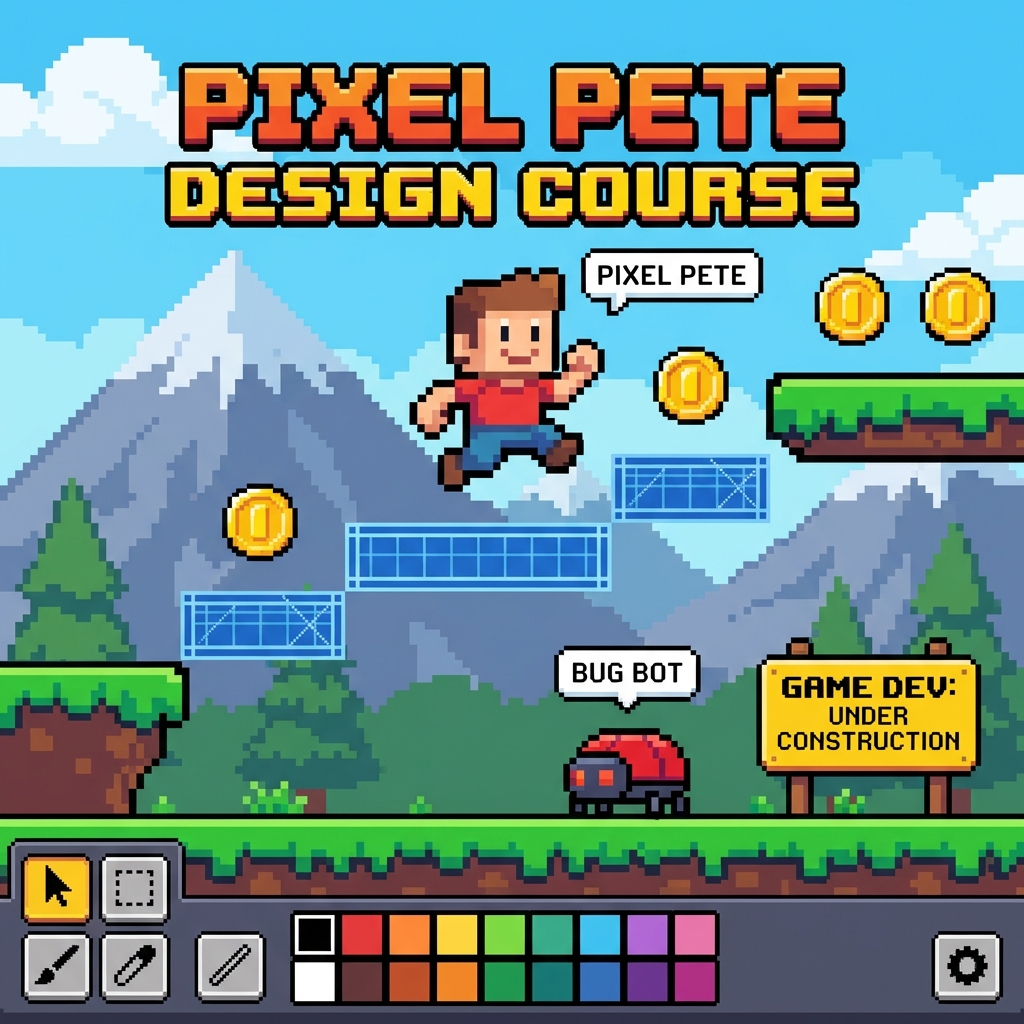
Featured Game: Gunstar Heroes (1993, Treasure / Backbone remaster)
Brian produced the remaster. Play 2 minutes on the projector.
- What to notice: expressive sprites, tight movement, how the level scrolls, how responsive the controls feel.
- "This game was made by 7 people. Your team is 1. But the fundamentals are the same."
Play-Test Spotlight
Selected student shows their customized tutorial from Week 1.
Learn
Sprites
- What they are: 2D images that represent game objects
- Animation frames: a series of images played in sequence to create motion
- Hitboxes: the invisible shape used for collision detection (often smaller than the visible sprite)
Platform Behavior Deep Dive
| Property | What it does | Try this |
|---|---|---|
| Gravity | How fast the player falls | Low = floaty moon. High = heavy brick. |
| Max falling speed | Terminal velocity | Prevents infinite acceleration |
| Jump speed | Initial upward velocity | Higher = bigger jumps |
| Acceleration | How fast you reach top speed | Low = ice skating. High = instant response. |
| Deceleration | How fast you stop | Low = slidey. High = precise stops. |
| Max speed | Top running speed | Affects level design -- wider gaps need more speed |
Key Vocabulary
| Term | Definition |
|---|---|
| Sprite | A 2D image used to represent a game object |
| Animation frame | One image in a sequence that creates animation |
| Hitbox | The invisible collision shape of an object |
| Parallax scrolling | Background layers moving at different speeds to create depth |
| Game feel | How responsive and satisfying a game's controls are |
| Tiled sprite | An image that repeats to fill an area (great for ground/walls) |
Build
- Start a new 2D project (fresh, not the tutorial).
- Create or choose a player sprite. Set up platform behavior.
- Build Level 1: ground, platforms, walls, pits, a background.
- Tune movement until it feels good: gravity, jump height, run speed, friction.
- Add at least one decorative/environmental element (trees, clouds, crates).
Play & Feedback
Swap and play. Feedback prompt: "How does the movement feel? Too floaty? Too stiff?"
Resources & Further Reading
- GDevelop Sprite Editor Guide
- GDevelop Platform Behavior
- Game Feel by Steve Swink -- the definitive book on game feel
- Juice it or Lose it (GDC Talk) -- classic talk on making games feel good
- OpenGameArt.org -- free game art assets
- Kenney.nl Assets -- high-quality free game assets
Stretch Goals
- Custom pixel art character (see the Pixel Art Worksheet).
- Parallax scrolling background.
- Animated idle/run/jump states for the player sprite.