Week 5 -- 3D Arc: Space, Camera & Environment
Date: May 15, 2026 Arc: 3D Game (Week 1 of 3)
Featured Game: Five Nights at Freddy's: Security Breach (2021, Steel Wool)
Brian worked business development. Show the opening -- the player navigating the Mega Pizzaplex.
- What to notice: 3D space creates tension. You can't see behind you. Corridors create suspense. Open areas create vulnerability.
- "In 2D, danger comes from left and right. In 3D, danger can come from anywhere -- and that changes everything about design."
Play-Test Spotlight
Selected student demos their completed 2D game.
Learn
Why 3D?
What changes when you add depth:
| 2D | 3D |
|---|---|
| Player sees everything | Player has limited view |
| Danger from left/right | Danger from any direction |
| Flat sprites | Objects have volume |
| Camera fixed or scrolling | Camera is a design tool |
| Simpler to build | More immersive |
GDevelop 3D Basics
- 3D Box objects -- textured cubes for walls, floors, ceilings
- 3D Model objects -- imported .glb models for complex shapes
- Camera positioning -- where the player "looks from"
Camera Types
| Type | Description | Games that use it |
|---|---|---|
| First-person | You see through the character's eyes | FNAF, Minecraft, Portal |
| Third-person | Camera follows behind the character | Mario 64, Fortnite, Zelda |
| Fixed | Camera stays in one place | Security cameras, puzzle games |
| Top-down | Looking straight down | RTS games, some RPGs |
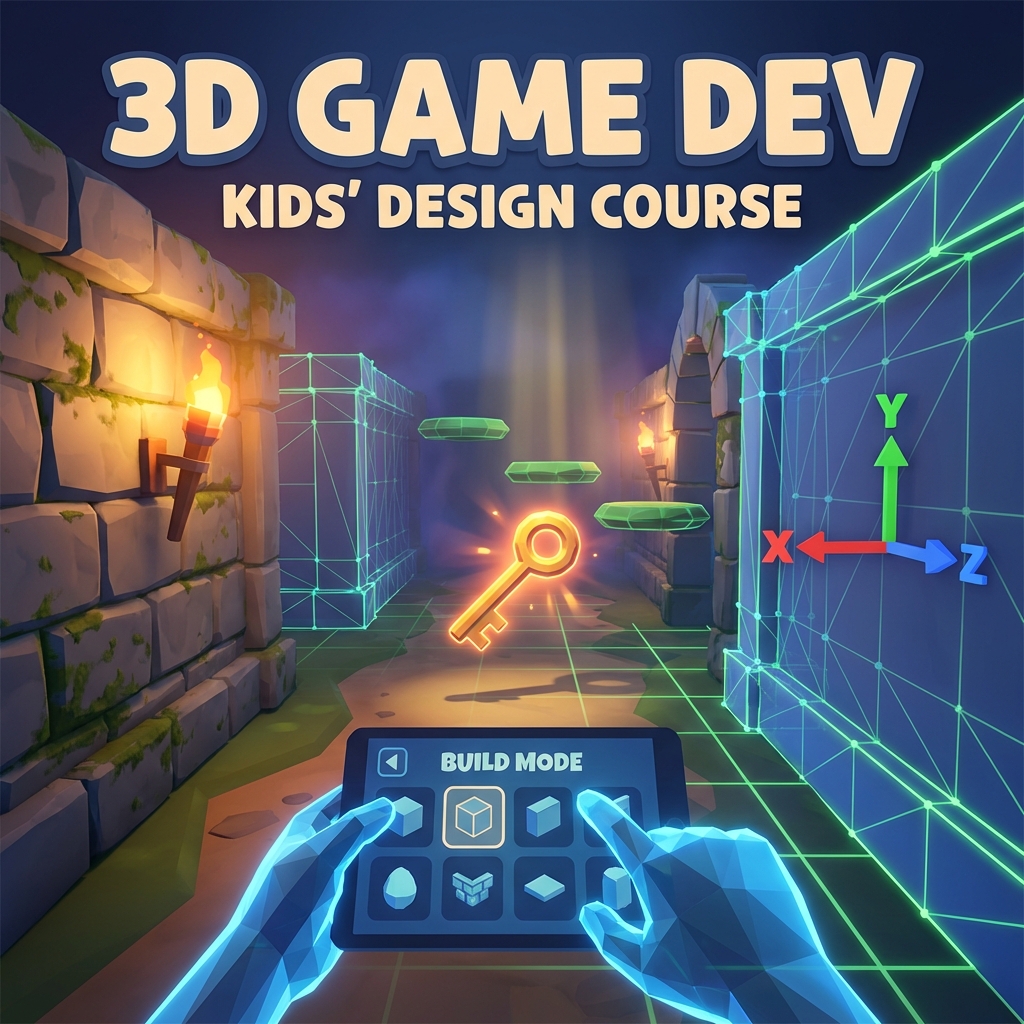
3D Space: X, Y, Z
- X = left/right
- Y = up/down
- Z = forward/backward (depth!)
Preventing Players from Getting Lost
- Landmarks -- unique objects players can orient by
- Color coding -- different areas have different color palettes
- Lighting -- bright areas attract, dark areas warn
- Linear layout -- start simple before adding branching paths
Key Vocabulary
| Term | Definition |
|---|---|
| 3D Box | A textured cube object in GDevelop |
| Z-axis | The depth axis -- the "new" dimension in 3D |
| First-person | Camera positioned at the character's eyes |
| Third-person | Camera positioned behind/above the character |
| Skybox | An image that wraps around the entire 3D world to simulate sky |
| Texture | An image applied to the surface of a 3D object |
| Landmark | A unique, visible object that helps players orient themselves |
Build
- Create a new 3D project in GDevelop.
- Set up a ground plane and textured walls using 3D boxes.
- Add player movement: WASD + mouse look.
- Build a small environment: 2--3 connected rooms or areas with distinct visual identities.
- Apply different textures to surfaces so spaces feel different.
- Add at least one landmark -- something the player can orient by.
Play & Feedback
Walk through each other's 3D spaces. Feedback: "Could you find your way? Did it feel like a real place?"
Resources & Further Reading
- GDevelop 3D Tutorial
- GDevelop 3D Objects Documentation
- Sketchfab Free 3D Models
- Poly Haven -- Free 3D Assets & Textures
- 3D Level Design Basics (YouTube)
Stretch Goals
- Skybox or ceiling.
- Atmospheric lighting.
- Ambient sound (wind, hum, drip).